Website performance plays a crucial role in user experience, SEO rankings, and business growth. If your website is slowing down or struggling to handle traffic, it may be time to upgrade your hosting plan.
In this guide, we’ll explain what “more space” really means, the key signs your hosting needs an upgrade, and how upgrading can improve your website performance.
What Does “More Space” Mean in Hosting?
When we talk about “space” in hosting, it’s not just about storage. It includes all the resources your website needs to run smoothly:
Key Hosting Resources:
- Disk Space – Storage for files, images, and videos
- Database Space – Storage for website data
- Bandwidth – Amount of traffic your site can handle
- CPU & RAM – Processing power that affects speed and performance
If your website starts outgrowing these resources, performance issues will follow.
Signs It’s Time to Upgrade Your Hosting
Here are the most common signs your website needs a hosting upgrade:
1. Website Slowness
If your website loads slowly, especially during peak hours, your hosting resources may be insufficient.
👉 Slow websites can:
- Increase bounce rate
- Reduce conversions
- Hurt SEO rankings
2. Frequent Downtime
Occasional maintenance downtime is normal, but frequent outages are not.
👉 Causes:
- Overloaded servers
- Limited hosting resources
Downtime negatively impacts user trust and search rankings.
3. Running Out of Storage Space
If you’re constantly deleting files or receiving storage warnings, your site has outgrown its plan.
👉 Common for:
- eCommerce websites
- Photography portfolios
- Content-heavy blogs
4. Unable to Handle Traffic Spikes
Traffic spikes are a good sign—but if your site crashes, it’s a problem.
👉 This usually means:
- Limited bandwidth
- Insufficient server capacity
5. Security Limitations
Basic hosting plans offer limited security. As your website grows, you need:
- Advanced firewalls
- Malware protection
- Dedicated IP
This is especially important for websites handling sensitive data.
6. Lack of Features
If your hosting plan restricts:
- Custom tools
- Plugins
- Advanced features
…it’s time to upgrade to a more flexible solution.
7. Planning for Growth
Sometimes, there’s no problem yet—but growth is coming.
👉 Examples:
- Marketing campaigns
- Product launches
- Business expansion
Upgrading in advance prevents future issues.
Benefits of Upgrading Your Hosting Plan
Upgrading your hosting is an investment that delivers long-term benefits:
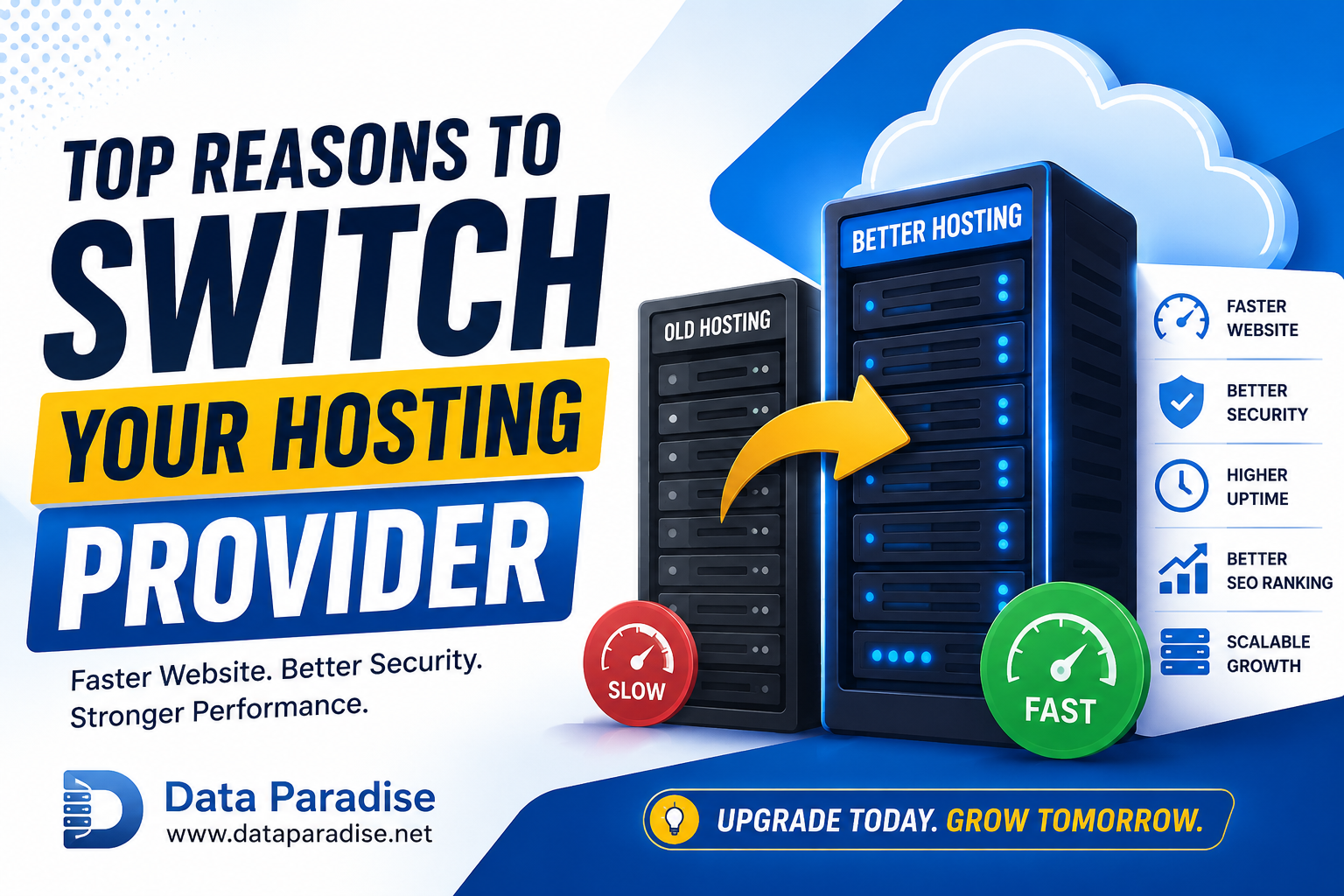
🚀 Faster Website Performance
More CPU, RAM, and better infrastructure improve loading speed and SEO.
🔒 Enhanced Security
Advanced hosting plans offer stronger protection against cyber threats.
📈 Better Uptime
Higher-quality hosting ensures your site stays online even during traffic spikes
😌 Peace of Mind
No more worrying about resource limits or unexpected downtime.
Types of Hosting Upgrades
Choosing the right hosting depends on your website needs:
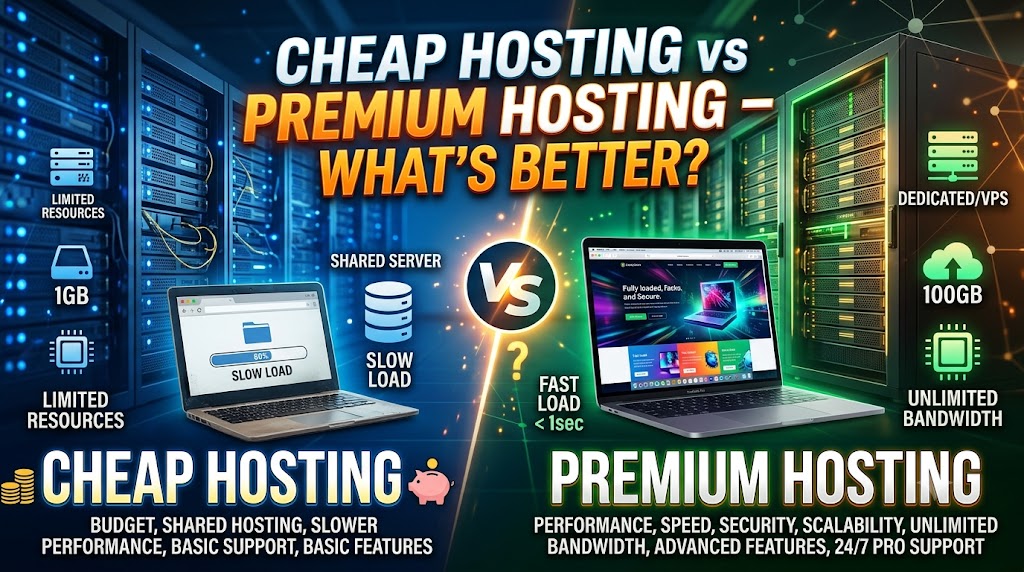
1. Shared Hosting
- Best for beginners
- Affordable
- Limited resources
👉 Suitable for small blogs or personal websites.
2. VPS Hosting (Virtual Private Server)
- More power and flexibility
- Better performance
- Cost-effective
👉 Ideal for growing websites.
3. Dedicated Hosting
- Maximum performance
- Full control
- High security
👉 Best for large businesses and high-traffic websites.
How to Choose the Right Hosting Plan
Before upgrading, consider:
- Your website traffic
- Storage requirements
- Budget
- Future growth plans
Always choose a hosting plan that supports scalability and performance.
Conclusion
Outgrowing your hosting plan isn’t a problem—it’s a sign of growth.
Upgrading your hosting gives your website:
- Better performance
- Improved security
- More flexibility
Instead of waiting for your website to crash, upgrade early and ensure a smooth experience for your users.
FAQs
1. When should I upgrade my hosting?
When your website becomes slow, experiences downtime, or runs out of resources.
2. Does hosting affect SEO?
Yes, slow speed and downtime can negatively impact search rankings.
3. Which hosting is best for growing websites?
VPS hosting is the best balance of performance and cost.
4. Is upgrading hosting expensive?
It may cost more, but it improves performance, security, and ROI.