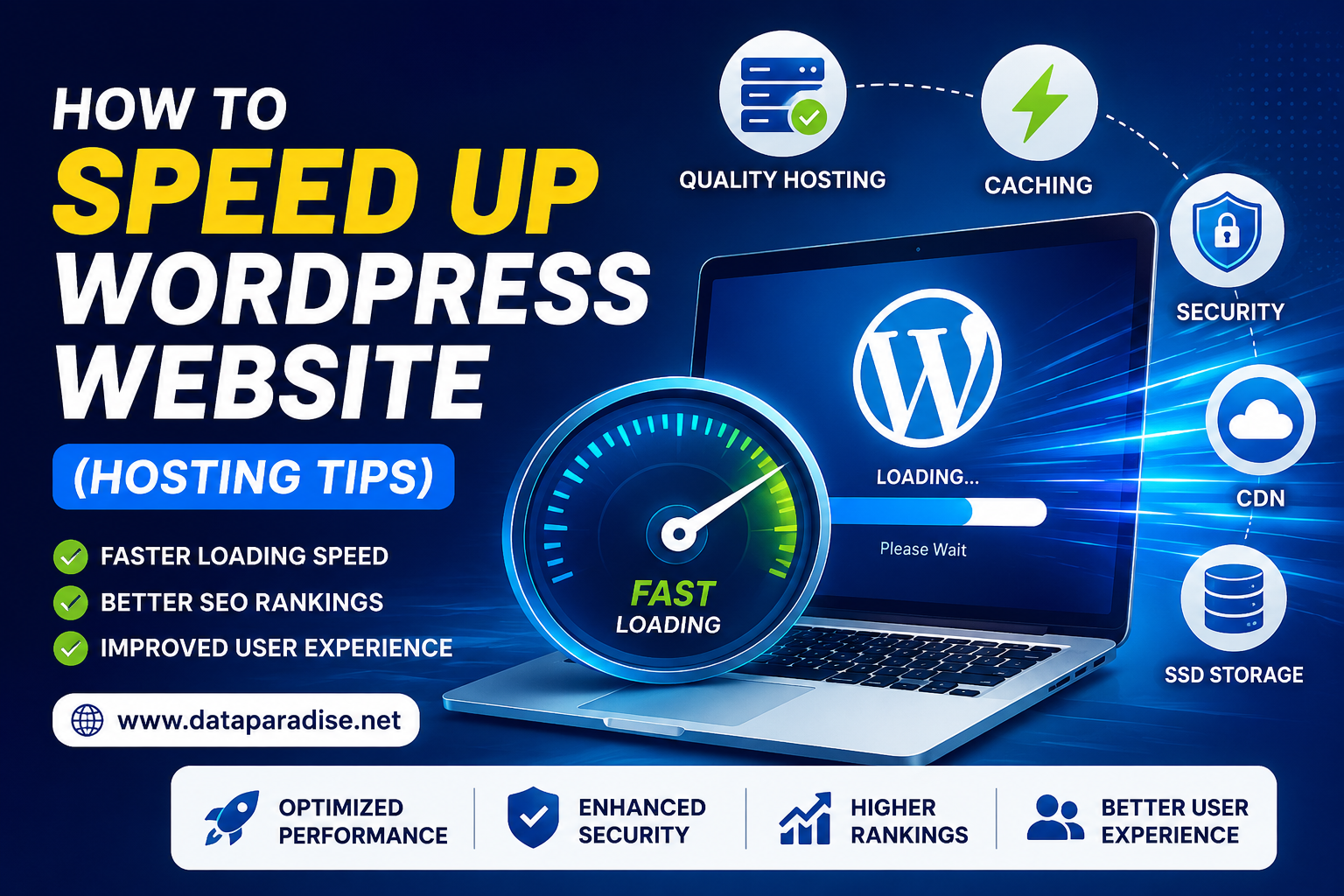
How to Speed Up WordPress Website (Hosting Tips)
Improve your WordPress website speed, SEO rankings, and user experience with the best hosting optimization techniques in 2026.
Website speed plays a major role in user experience, SEO rankings, and online business growth. In today’s competitive digital world, users expect websites to load within seconds. If your WordPress website is slow, visitors may leave before even exploring your content or services. A slow website can also reduce conversions, lower search engine rankings, and negatively affect your brand reputation.
One of the biggest factors affecting website performance is hosting. Even with a well-designed website, poor hosting can make your website slow and unstable. Choosing the right hosting setup and optimizing server-related settings can significantly improve WordPress website speed.
Choose High-Performance WordPress Hosting
The first step to speed up your WordPress website is selecting reliable and optimized WordPress hosting. Many website owners choose cheap shared hosting plans that overload servers with multiple websites, resulting in poor performance.
A good hosting provider should offer SSD or NVMe storage, LiteSpeed or high-performance servers, advanced caching, strong uptime, and optimized server configuration. Modern hosting infrastructure improves loading speed and helps websites handle more traffic efficiently.
Use SSD or NVMe Storage Hosting
Traditional HDD storage is much slower compared to SSD or NVMe storage. SSD hosting improves data reading and writing speed, resulting in faster page loading times.
NVMe hosting is even faster and is becoming increasingly popular in 2026 for high-performance WordPress websites. If your hosting provider still uses HDD servers, upgrading to SSD or NVMe hosting can instantly improve performance.
Select Hosting with Indian Servers
If your audience is mainly from India, choose a hosting provider with servers located in India or nearby regions. Server location directly affects website latency and loading speed.
Indian servers help deliver faster website response time, better user experience, and improved SEO performance for Indian traffic. Local server optimization can make a noticeable difference in website speed.
Enable Server-Level Caching
Caching stores temporary website files and reduces the need to load everything repeatedly. Good hosting providers offer server-side caching technologies such as LiteSpeed Cache, Redis Cache, Memcached, and Varnish Cache.
These technologies help WordPress websites load significantly faster. Using a hosting provider with built-in caching is much more effective than relying only on plugins.
Use a Content Delivery Network (CDN)
A CDN stores copies of your website on multiple global servers. When visitors access your website, the CDN serves content from the nearest server location.
CDN benefits include faster loading worldwide, reduced server load, better website stability, and improved security. Popular CDNs include Cloudflare and BunnyCDN. Many hosting providers now offer free CDN integration.
Upgrade from Shared Hosting to VPS Hosting
Shared hosting is suitable for beginners, but growing websites often require better resources. If your website receives higher traffic or runs heavy plugins, upgrading to VPS hosting can improve performance significantly.
VPS hosting provides dedicated resources, better RAM and CPU allocation, improved stability, and faster website speed. Businesses, agencies, and eCommerce websites usually benefit from VPS hosting.
Optimize WordPress Database
Over time, WordPress databases collect unnecessary data such as spam comments, post revisions, and temporary files. A bloated database can slow down your website.
Regular database optimization improves query speed, backend performance, and overall loading time. Many hosting providers offer automated database optimization tools.
Use Lightweight Themes and Plugins
Heavy themes and poorly coded plugins increase loading time. Choose lightweight WordPress themes optimized for performance.
Avoid installing unnecessary plugins because every plugin adds additional load to the server. Focus on minimal design, optimized code, and essential plugins only.
Optimize Website Images
Large image files are one of the biggest reasons for slow WordPress websites. Compressing and optimizing images can greatly improve performance.
Use WebP image format, lazy loading, and image compression tools. Optimized images reduce bandwidth usage and improve mobile speed.
Enable GZIP Compression
GZIP compression reduces the size of website files before they are delivered to users. This helps pages load faster and reduces server load.
Most modern hosting providers include GZIP compression by default.
Keep WordPress Updated
Always update WordPress core, themes, and plugins regularly. Updates improve security, compatibility, and performance optimization.
Outdated plugins and themes may slow down your website or create security vulnerabilities.
Monitor Website Speed Regularly
Use tools such as Google PageSpeed Insights, GTmetrix, and Pingdom to monitor website speed and identify optimization opportunities.
Regular monitoring helps maintain strong website performance over time.
Fast & Secure Hosting Solutions with Dataparadise
Looking for reliable hosting solutions? Dataparadise offers WordPress Hosting, VPS Hosting, Dedicated Hosting, Hosting Solutions, and Bulk IP Leasing with optimized infrastructure designed for speed, scalability, and security.
Final Thoughts
Website speed is essential in 2026. A fast WordPress website improves SEO rankings, increases conversions, and creates a better user experience. While themes and plugins matter, hosting plays the biggest role in overall website performance.
Choosing optimized WordPress hosting, enabling caching, using SSD storage, optimizing images, and upgrading server resources are some of the best ways to speed up your website.
Investing in quality hosting today can save you from performance issues and help your website grow successfully in the future.