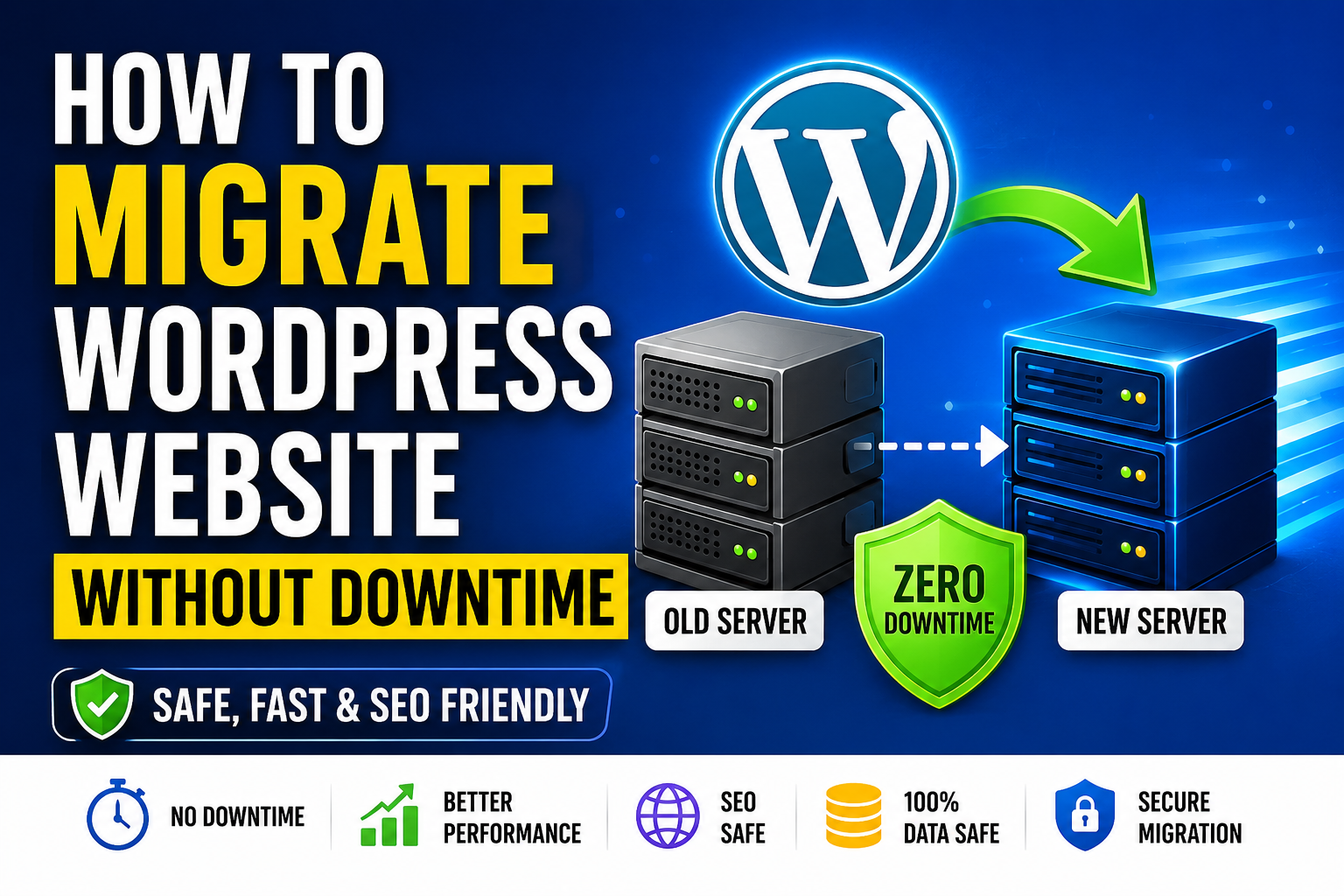
How to Migrate a WordPress Website Without Downtime
Complete SEO Guide for 2026 – Learn the safest and most effective way to migrate your WordPress website without losing traffic, rankings, or visitors.
Visit Data Paradise Read Full GuideMigrating a WordPress website may sound complicated, especially when you are worried about website downtime, SEO ranking loss, broken pages, or losing important customer data. Whether you are moving your website to a better hosting provider, upgrading your server, or changing your domain name, a proper migration process is essential to maintain your website’s performance and visibility.
Many website owners make the mistake of migrating their websites without planning, which often results in website crashes, temporary downtime, or major SEO issues. For businesses, bloggers, ecommerce stores, and service websites, even a few minutes of downtime can lead to traffic loss, reduced conversions, and a poor user experience.
The good news is that with the right migration strategy, you can migrate your WordPress website without downtime while keeping your website fully accessible to visitors and search engines.
At Data Paradise, we understand how important website speed, uptime, and SEO performance are for online businesses. In this detailed guide, you will learn the complete step-by-step process to migrate your WordPress website safely and smoothly without affecting your rankings or visitors.
What Is WordPress Website Migration?
WordPress website migration is the process of transferring your entire website from one environment to another. This includes moving all website files, themes, plugins, media uploads, databases, and server settings to a new hosting provider, server, or domain.
Website migration is commonly performed for several reasons, such as improving website speed, upgrading hosting resources, enhancing website security, reducing hosting costs, or scaling business operations.
Common Reasons for Website Migration
- Moving from shared hosting to VPS hosting
- Changing hosting providers
- Migrating to cloud hosting
- Switching domain names
- Creating a staging environment
- Upgrading server infrastructure
If the migration is not done correctly, it can create several technical and SEO-related issues. These include broken links, database connection errors, slow loading speeds, missing images, and temporary website downtime.
This is why following a structured and SEO-friendly migration process is extremely important.
Why Website Downtime Can Harm Your Business
Website downtime is one of the biggest risks during migration. When visitors cannot access your website, it negatively affects user trust and business credibility.
For ecommerce websites, downtime can directly impact sales and customer orders. For blogs and business websites, it can reduce traffic and affect search engine rankings.
1. Protects SEO Rankings
Search engines like Google prefer websites that are stable, fast, and consistently accessible. Downtime can interrupt crawling and indexing, reducing your search visibility.
2. Improves User Experience
Visitors expect websites to work properly. Zero downtime migration ensures users never experience broken pages or unavailable content.
3. Prevents Revenue Loss
For businesses and ecommerce websites, downtime can mean lost leads, reduced sales, and lower customer trust.
4. Keeps Website Data Safe
A proper migration process protects important website files, databases, customer records, and media content from corruption or loss.
Need Professional WordPress Migration Help?
Let Data Paradise help you migrate your website safely without downtime, SEO loss, or technical errors.
Contact Data ParadiseEssential Pre-Migration Checklist
1. Create a Complete Website Backup
The first and most important step is creating a full backup of your WordPress website.
- WordPress core files
- Themes and plugins
- Media uploads
- Website database
- Custom scripts and configurations
You can create backups manually through cPanel or use popular WordPress backup plugins such as UpdraftPlus, Duplicator, and All-in-One WP Migration.
Having a backup ensures you can restore your website quickly if anything goes wrong during migration.
2. Choose a Reliable Hosting Provider
Your new hosting environment plays a major role in website performance after migration.
- Fast SSD storage
- High uptime guarantee
- Free SSL certificate
- Advanced security protection
- Optimized WordPress support
- Daily backups
- Excellent customer support
Better hosting improves website speed, SEO performance, and overall reliability.
3. Lower DNS TTL Value
DNS TTL (Time To Live) determines how long internet providers cache your DNS records.
Lowering the TTL value to around 300 seconds before migration helps DNS changes propagate faster when you switch servers.
Ideally, lower the TTL value at least 24 hours before starting the migration process.
Step-by-Step Process to Migrate WordPress Website Without Downtime
Step 1: Backup Your Existing Website
Start by creating a fresh backup of your current website. Download all important WordPress files and export the database safely.
Step 2: Set Up Your New Hosting Environment
Install WordPress, configure server settings, create databases, and set up SSL certificates properly before migration.
Step 3: Upload Website Files to New Server
Use FTP clients like FileZilla to transfer all WordPress files carefully without interrupting the upload process.
Step 4: Import the Website Database
Import your database using phpMyAdmin and update database credentials inside wp-config.php.
Step 5: Test Website Before DNS Change
Test your website privately using the hosts file method to check speed, functionality, forms, links, and plugins.
Step 6: Update DNS Settings
Point your domain to the new server by updating nameservers or DNS records carefully.
Step 7: Keep Both Servers Active Temporarily
Maintain both hosting accounts for at least 48 hours to ensure proper DNS propagation and stable website access.
Ready to Migrate Your Website Safely?
Data Paradise offers professional website migration, SEO optimization, hosting solutions, and digital growth services for businesses worldwide.
Visit Our Pricing and Services